Most use ChatGPT as if it were a fancier Google, type a question. Get a quick answer. Move on.
But lately, I have realized that:
ChatGPT isn’t just an intelligent assistant. It’s a versatile tool, a chameleon that can transform into a coach, a creativity booster, a therapist, and more. Its potential uses are vast and inspiring.
And we’re all sleeping on it.
So I rolled up my sleeves and tried every single one of the following 10 tricks.
These tricks not only work, but they also have the potential to transform your perspective and boost your personal growth. Here’s a walkthrough — with stories, ideas, and simple prompts to try today.
1. The Learning Coach That Doesn’t Judge
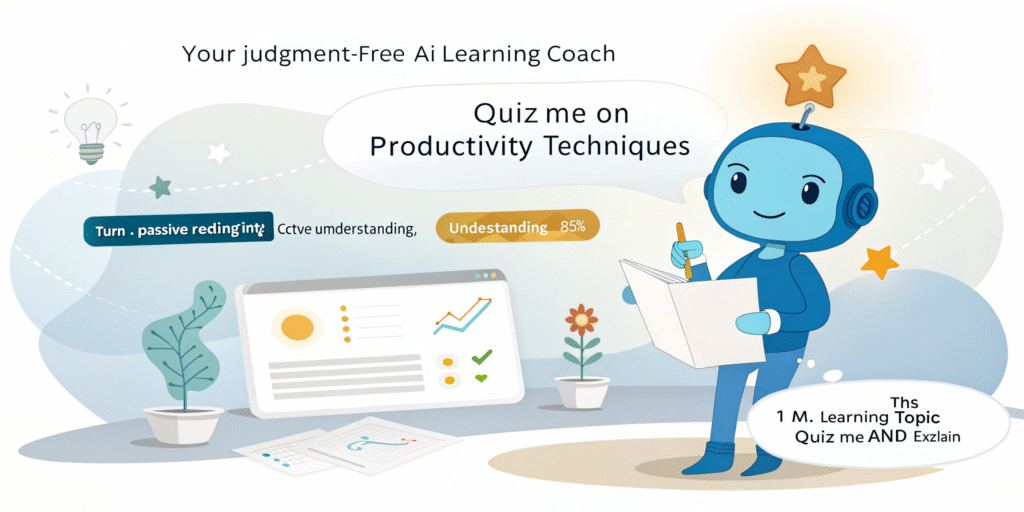
I used to hate quizzes in school. But with ChatGPT, I want it to test me.
Prompt to try:
“I’m learning productivity techniques. Can you quiz me and explain the answers?”
Suddenly, I’m not just reading advice — I’m understanding it. It’s like having a nerdy friend who wants you to win.
2. The Editor-in-Chief Who Gets You
We’ve all had that awkward moment: you ask a friend to edit your writing, and they ghost you.
ChatGPT won’t do that.
Try this:
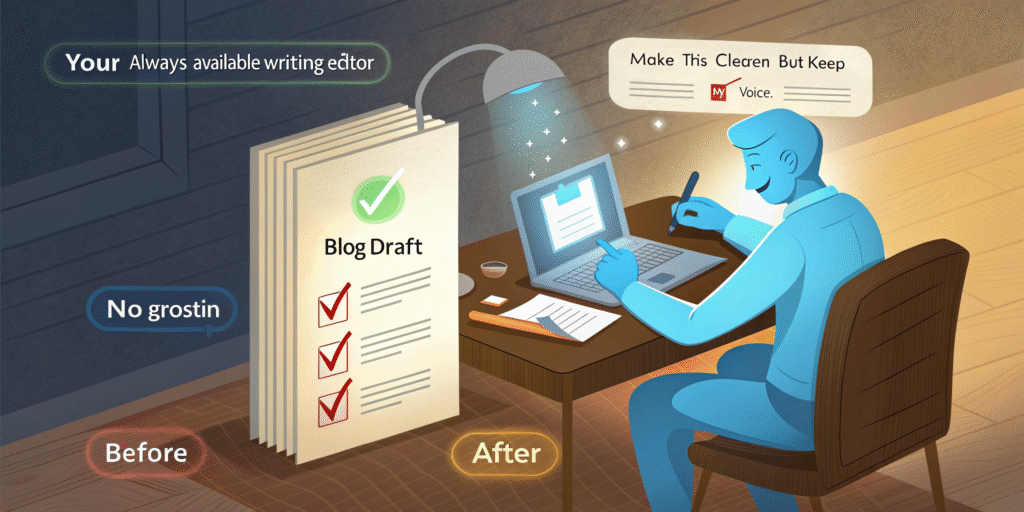
“Here’s my blog draft. Please make it clearer, more engaging, and keep my voice.”
It fixed my rambling intros, sharpened my paragraphs, and didn’t turn me into a robot.
3. Your Calendar’s Honest Best Friend
I asked ChatGPT to analyze my weekly schedule. You know what it told me?
“You have 14 hours of meetings and only 4 hours of focused work.”
Ouch. But it was right.
Prompt to try:
“Here’s my weekly calendar. Where am I losing time, and how can I fix it?”

4. The Goal-Setting Buddy That Remembers
Big goals sound great… until you’re 3 weeks in and wondering what happened.
So I asked:
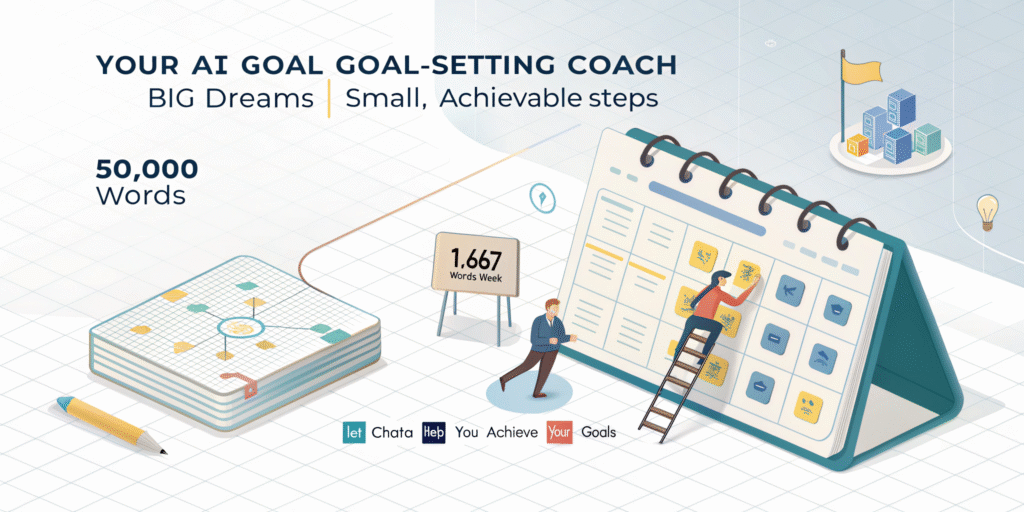
“I want to write a 50,000-word book in 3 months. Can you break it into weekly targets?”
ChatGPT laid out a weekly word count, included buffer weeks, and even built in “lazy weekends.”
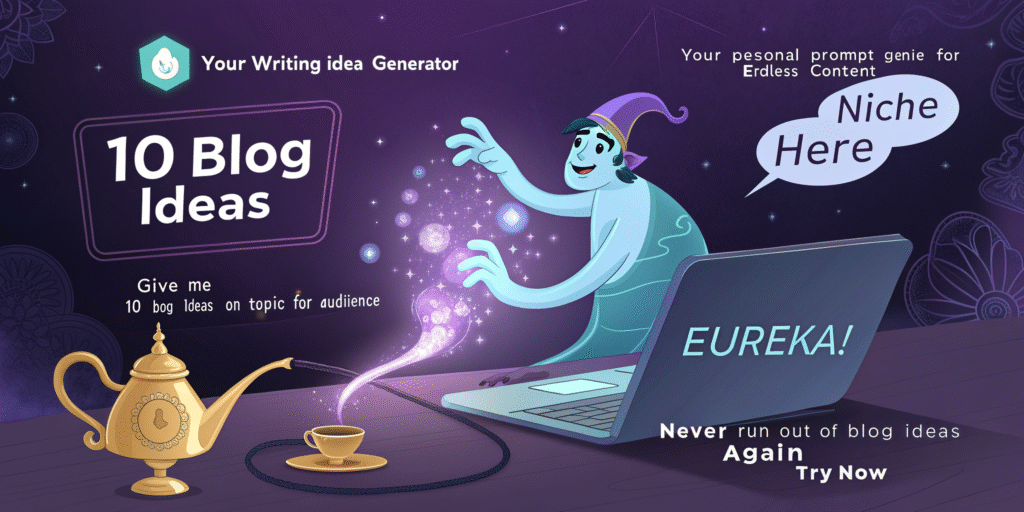
5. The Prompt Genie for Writers
Writing on Medium? Substack? Twitter?
You need this one. I said:
“Give me 10 blog ideas on productivity for overworked adults.”
It gave me these titles:
10 Lazy-Friendly Productivity Tips (For Burnt-Out Overachievers)
Working Nonstop? These 10 Tricks Will Help You Work Less
No Time, No Energy, No Problem: 10 Productivity Ideas for Real Life
6. The Devil’s Advocate You Never Knew You Needed
Sometimes, you’re so convinced you’re right — you forget to think like your reader.
So, I tried this:
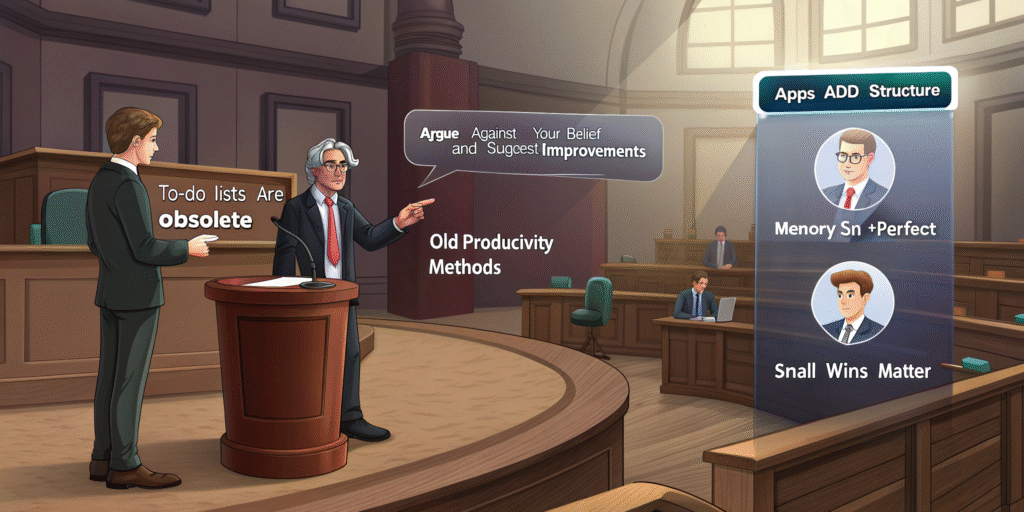
“Argue against the idea that to-do lists are obsolete.”
ChatGPT poked holes in my argument so well that I had to rewrite half of my blog.
7. The Career Coach Who Knows Every Job Listing
Job hunting is exhausting. Customizing your resume? Worse.
Try this:
“Tailor my resume to this Product Manager job description. Keep my achievements but use their keywords.”
Boom. Ready-to-send resume in seconds. No more staring at Word docs, doubting yourself.

8. The PDF Whisperer (Only With ChatGPT Pro)
Ever uploaded a PDF and thought:
“Ugh. Do I have to read all this?”
Now, you don’t. Upload the file and say:
“Summarize this report into five bullet points.”
I did it with a 20-page SaaS proposal and saved two cups of coffee.

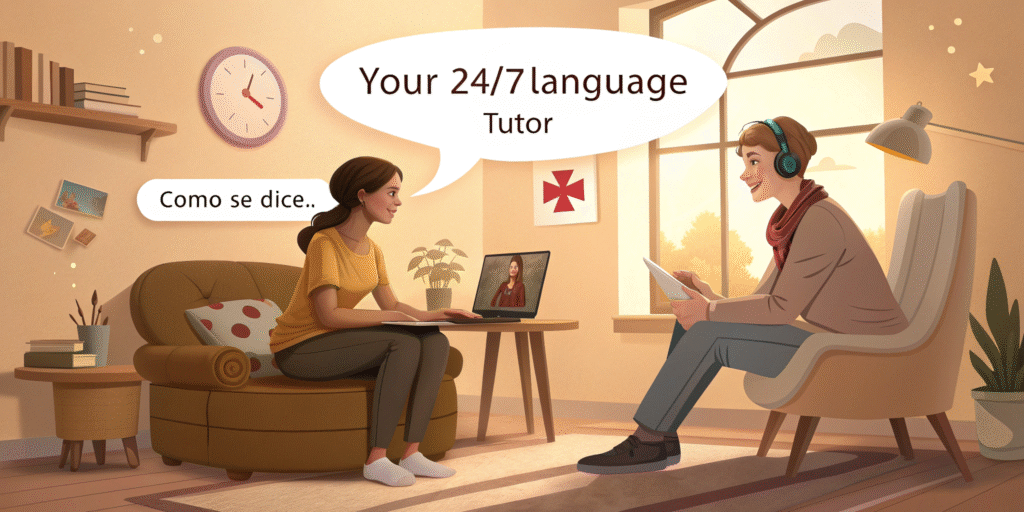
9. Your New Language Teacher (Minus the Awkward Zooms)
Learning Spanish? French? Tamil? Or do you want to sound smarter in English?
Try this:
“Let’s chat in Spanish. Correct my grammar along the way.”
It’s like a non-judgy language partner who won’t laugh at your mispronunciations.
10. Your Very Own Creative Director
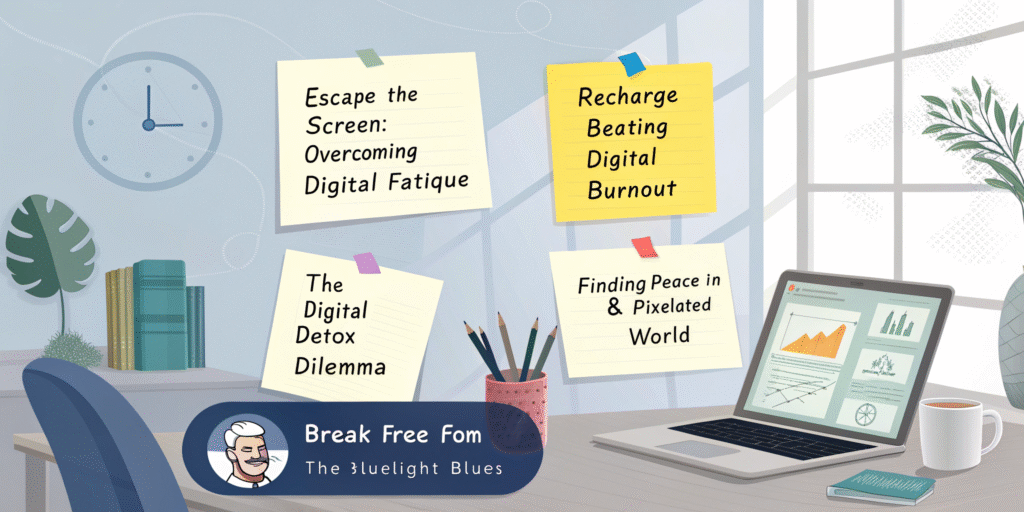
Are you stuck naming your YouTube video? Crafting a TED Talk? Writing a course title?
Ask:
“Give me five catchy hooks for a video on digital burnout.”
Even better — ask it to match a tone: witty, emotional, inspirational.
ChatGPT asked gentle questions like:
- What triggered this feeling?
- Is it temporary or recurring?
- What would self-compassion look like right now?
I felt lighter. Heard. Understood.
This Isn’t Just Productivity — It’s Possibility
- You don’t need to be a “techie” to use ChatGPT.
- You need better questions.
- Start small. Pick 2 or 3 tricks. Try a prompt or two.
You’ll be amazed at how this tool adapts to you — your voice, your goals, your quirks.
Share this content: